Blaze HUD
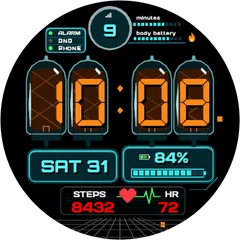
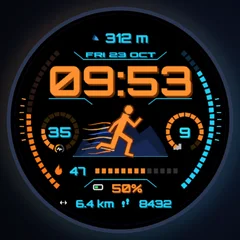
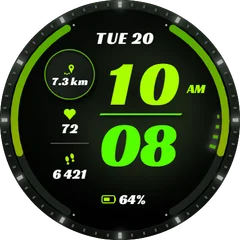
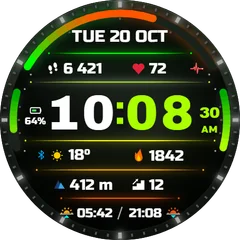
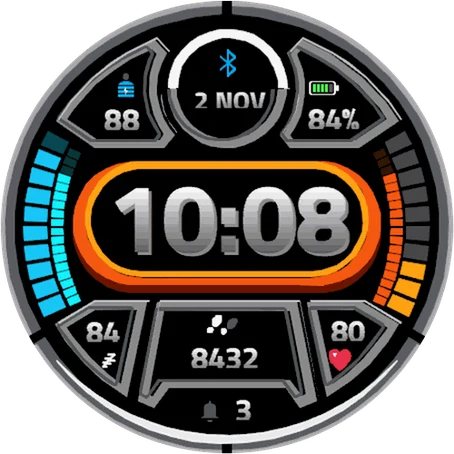
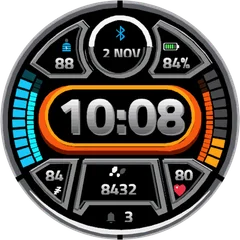
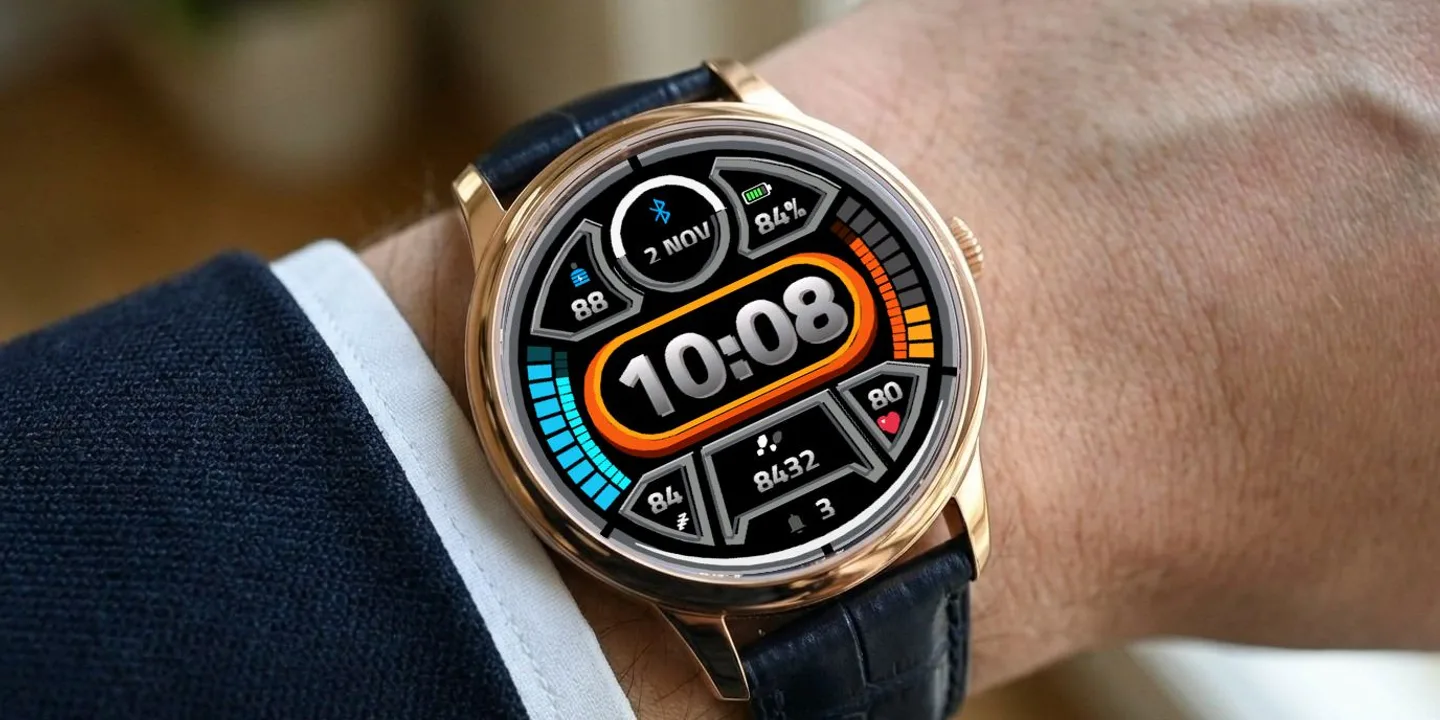
Blaze HUD is a sporty heads-up display for your wrist. A big chrome 3D time sits in a glowing orange capsule, framed by cyan and orange segmented gauges and metal data panels - easy to read in any light, on a run or at the office. ON THE FACE - Big 3D digital time (12/24 h) in a glowing capsule - Date and phone connection indicator - Body Battery value with a 10-segment gauge - Battery percentage with an 18-segment arc gauge - Daily steps goal progress arc - Heart rate with a 10-segment gauge - Sleep score - Notification count - Switchable bottom panel: Steps, Distance, Active minutes, Body Battery or Altitude MAKE IT YOURS (Garmin Connect app - watch face settings) - Choose the data for the bottom panel (Steps by default) - Heart rate color (12 colors) - Notifications color (12 colors) or hide notifications DETAILS - Works on 95+ Garmin watches - AMOLED and MIP displays - Battery-friendly Always-On mode on AMOLED (moving clock against burn-in) - Low memory use, no phone connection needed, no data leaves your watch.
Tactical 1 + 1- Works on
- 64 watches
- In store since
- 2 November 2026
- Updates
- once a minute
Tactical 1 + 1
Buy any tactical face and take a second tactical face free.
2Pick one free
How do I get the free face?
- Buy the first face in the Connect IQ Store as usual.
- Pick the free face here and press the button. It opens an e-mail with everything filled in.
- Attach the store receipt (a screenshot is fine) and send. Within 24 hours you get an unlock code.
Works on 64 watches
32 with AMOLED displays and 32 with MIP displays. Pick yours and the site remembers it.
Forerunner
- Forerunner 965
- Forerunner 265
- Forerunner 570 47mm
- Forerunner 970
- Forerunner 165
- Forerunner 165 Music
- Forerunner 170
- Forerunner 170 Music
- Forerunner 570 42mm
- Forerunner 70
- Forerunner 265s
- Forerunner 255
- Forerunner 255 Music
- Forerunner 245
- Forerunner 245 Music
- Forerunner 745
- Forerunner 945
- Forerunner 945 LTE
- Forerunner 255s
- Forerunner 255s Music
fēnix
How to install
- Press “Get it in the Connect IQ Store”. On a phone it opens in the Connect IQ app.
- Press Install and pick your watch. The face arrives at the next sync.
- Hold the top-left button on the watch, choose Watch Face, select Blaze HUD.