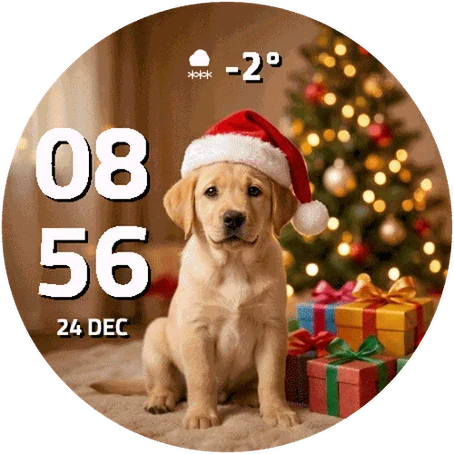
Christmas Labrador
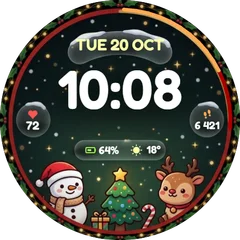
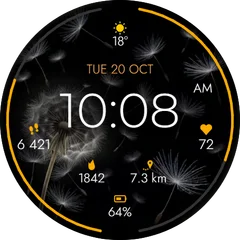
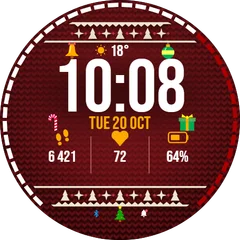
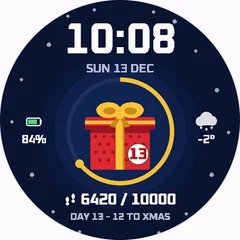
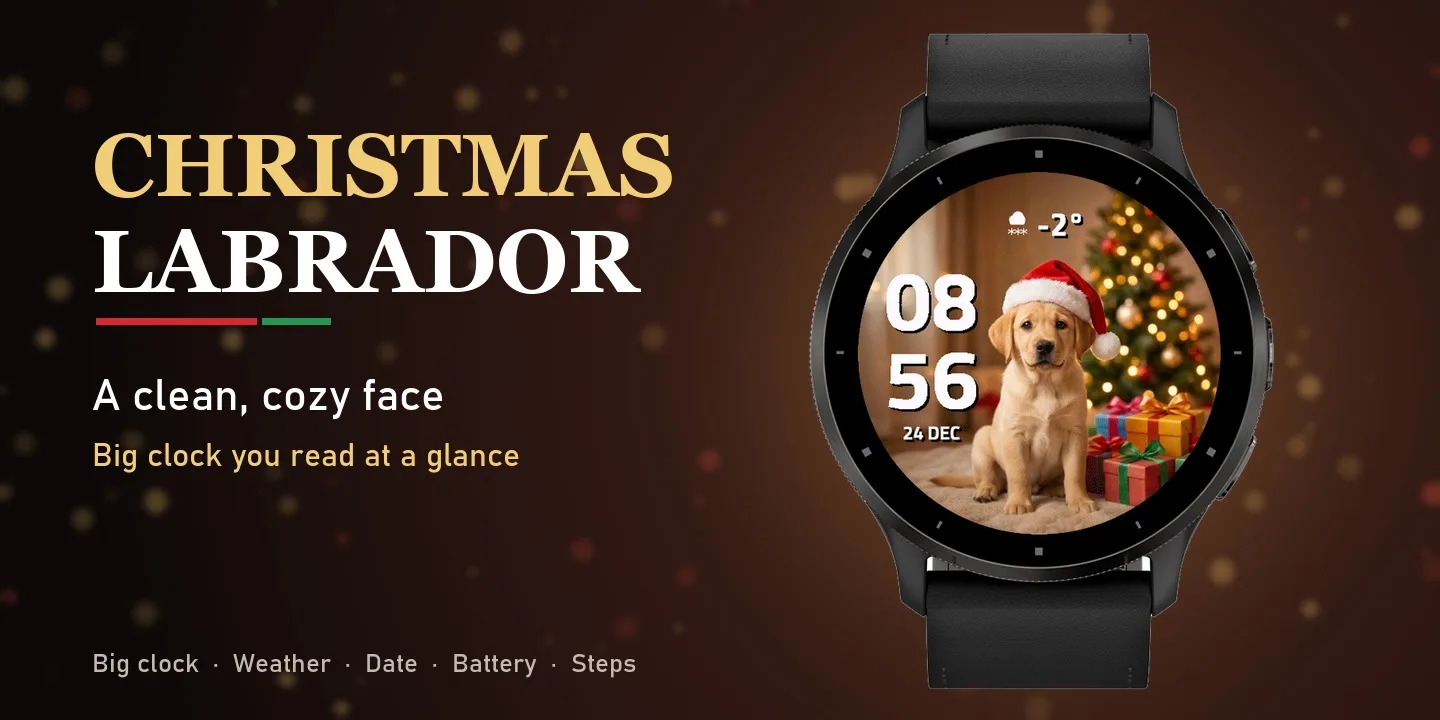
A sweet labrador puppy in a Santa hat sits by the Christmas tree, surrounded by presents and warm twinkling lights. The time is big and bold on the left - hours on top, minutes below - so you can read it at a glance, while the puppy and the tree stay in full view. ON THE FACE - Big, bold hours and minutes, easy to read - Date - 5 formats (24 DEC, weekday, 24.12., 12/24, week number) - Weather icon and temperature from Garmin weather - Optional battery field: Battery, Body Battery or Stress, with a level icon - Optional data field: Steps (with step goal icon), Heart Rate, Calories, Floors or Respiration MAKE IT YOURS (Garmin Connect app - watch face settings) - 12 colors for the time, date and each data field - 12 h / 24 h or follow the watch setting - Date format - Temperature in Celsius or Fahrenheit - Show or hide weather, date, battery and data field (battery and data field are off by default for a clean look) DETAILS - Works on 70+ Garmin watches - AMOLED and color MIP displays - Battery-friendly Always-On mode on AMOLED (moving clock against burn-in) - Uses the built-in Garmin weather - no extra app or account needed
Buy one winter face, pick a second one free- Works on
- 48 watches
- In store since
- 15 November 2026
- Updates
- once a minute
Buy one winter face, pick a second one free
Get any winter or Christmas face and choose a second face from the winter collection at no cost.
Ends 6 January
2Pick one free
How do I get the free face?
- Buy the first face in the Connect IQ Store as usual.
- Pick the free face here and press the button. It opens an e-mail with everything filled in.
- Attach the store receipt (a screenshot is fine) and send. Within 24 hours you get an unlock code.
Works on 48 watches
33 with AMOLED displays and 15 with MIP displays. Pick yours and the site remembers it.
Forerunner
Descent
Instinct
How to install
- Press “Get it in the Connect IQ Store”. On a phone it opens in the Connect IQ app.
- Press Install and pick your watch. The face arrives at the next sync.
- Hold the top-left button on the watch, choose Watch Face, select Christmas Labrador.