FI Calendar
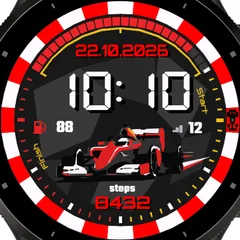
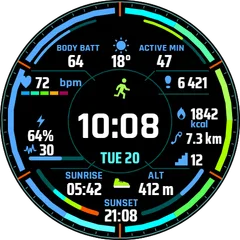
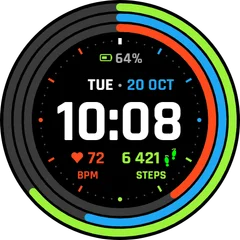
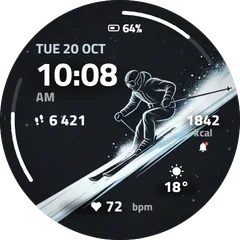
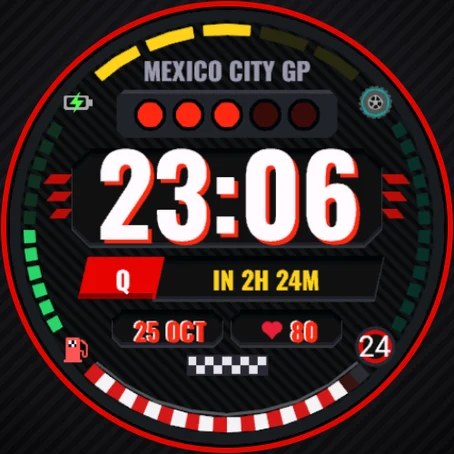
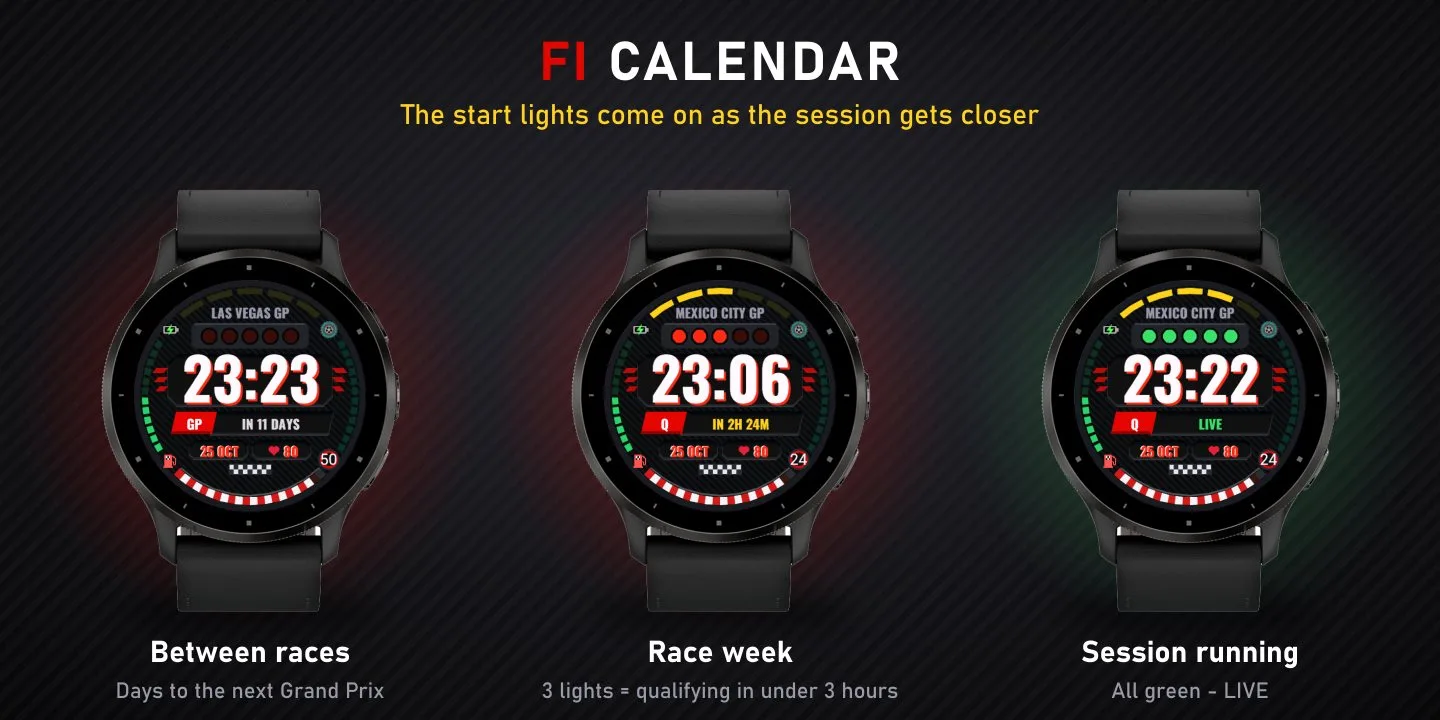
. FI Calendar is a motorsport watch face that knows the race calendar. In race week it counts down to every practice, qualifying, sprint and race - and the start lights on your wrist come on one by one as the session gets closer. RACE WEEK - Start lights: one light per hour in the last 5 hours before a session, all green while the session is running ("LIVE") - Next session (FP1, FP2, FP3, SQ, SPR, Q, RACE) with day and local start time, then a live countdown on the last day - Weekend progress bar: 5 segments, one for each session - Grand Prix name above the start lights - Track weather: forecast for the circuit at the session start time, shown as a tyre - red slick for dry, green intermediate for showers, blue wet for rain - with the temperature - Between race weekends: days until the next Grand Prix and your local weather EVERY DAY - Big digital time (12/24 h, 12 colours - set it in the Garmin Connect app) - Date and heart rate - Battery gauge, daily steps goal gauge - Body Battery shown as a red-and-white kerb ("fuel tank") HOW IT WORKS - The full current season is built into the watch, so the countdown works even without your phone - With your phone connected the watch face updates the next Grand Prix and the track weather about once an hour (calendar: Jolpica F1 API, weather: Open-Meteo) - schedule changes are picked up automatically - All times are shown in your watch's local time - Always-On mode on AMOLED watches: a minimal, burn-in-safe clock Unofficial fan watch face. Not associated with Formula 1 companies. F1 and FORMULA 1 are trademarks of Formula One Licensing B.V
- Works on
- 69 watches
- In store since
- 28 October 2026
- Updates
- once a minute
Works on 69 watches
33 with AMOLED displays and 36 with MIP displays. Pick yours and the site remembers it.
Forerunner
- Forerunner 965
- Forerunner 265
- Forerunner 570 47mm
- Forerunner 970
- Forerunner 165
- Forerunner 165 Music
- Forerunner 170
- Forerunner 170 Music
- Forerunner 570 42mm
- Forerunner 70
- Forerunner 265s
- Forerunner 255
- Forerunner 255 Music
- Forerunner 245
- Forerunner 245 Music
- Forerunner 745
- Forerunner 945
- Forerunner 945 LTE
- Forerunner 255s
- Forerunner 255s Music
- Forerunner 55
fēnix
How to install
- Press “Get it in the Connect IQ Store”. On a phone it opens in the Connect IQ app.
- Press Install and pick your watch. The face arrives at the next sync.
- Hold the top-left button on the watch, choose Watch Face, select FI Calendar.