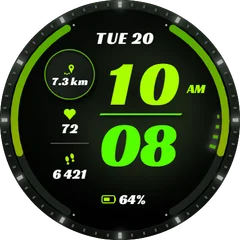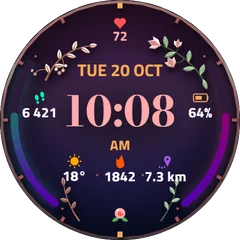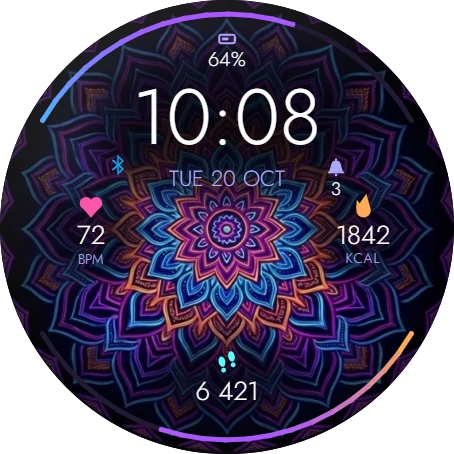
Neon Mandala
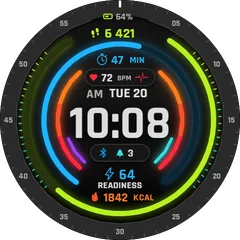
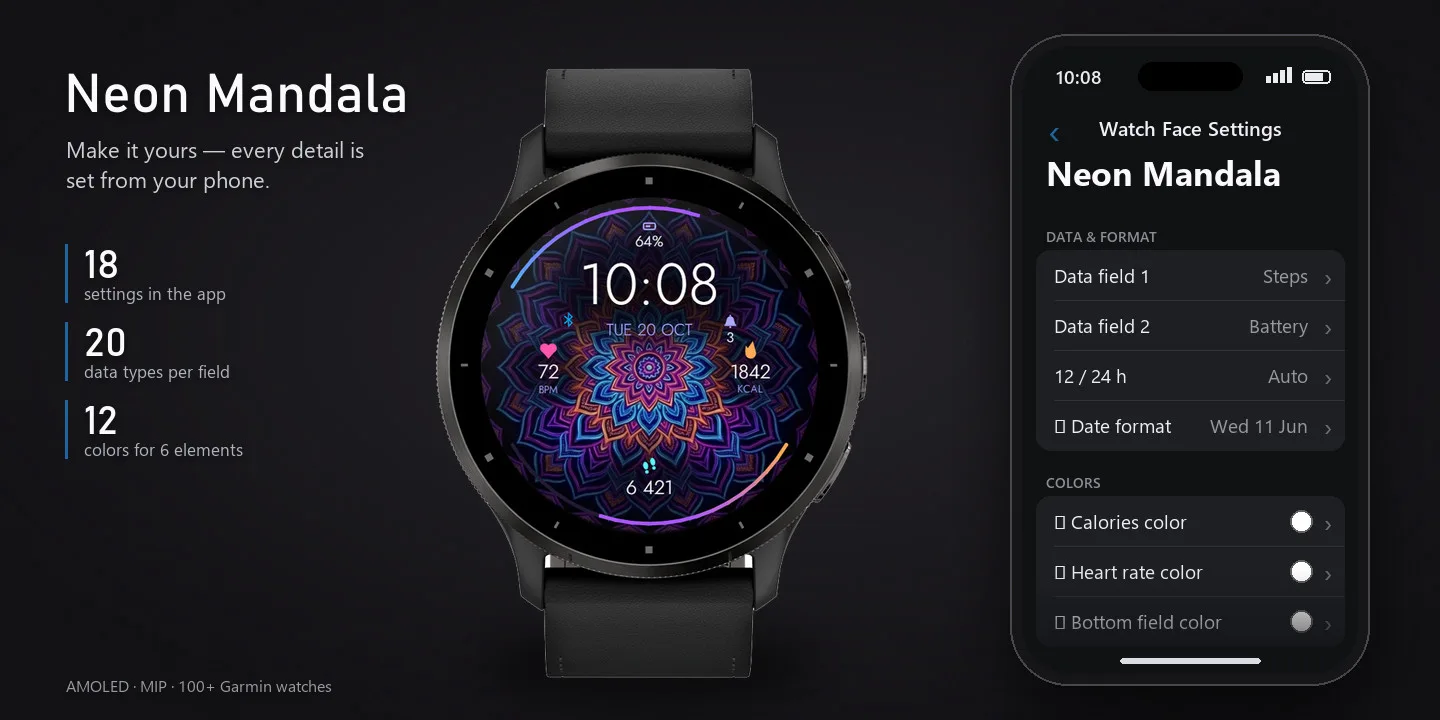
Neon Mandala is a digital watch face designed for everyday wear. Everything important is visible at a glance, and you can make it yours from your phone.
Coming soon to the Connect IQ Store. It is built and in review.
- Works on
- 71 watches
- Updates
- once a minute
On the face
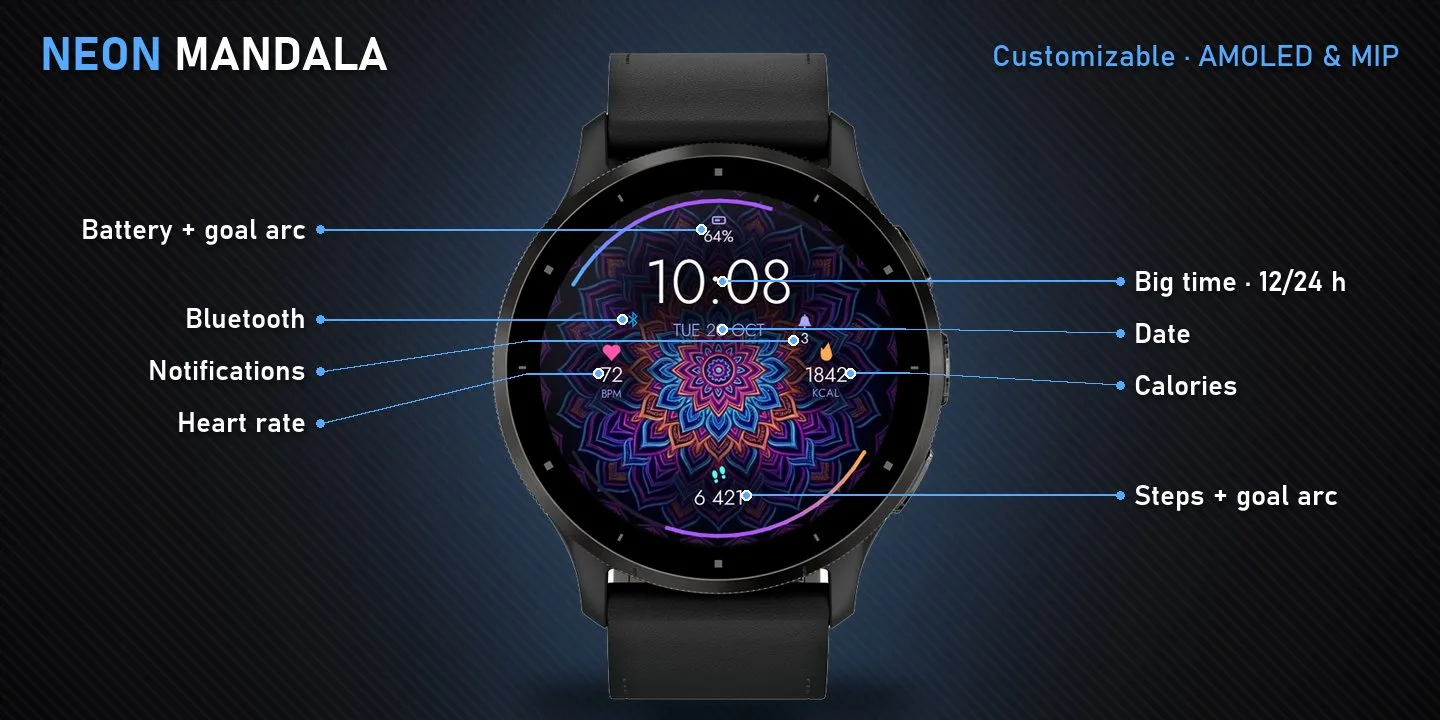
- Battery
- Notifications
- Heart rate
- Calories
What it does
- Large, easy-to-read digital time with 12/24 h support
- Weekday and date
- 5 data fields: Battery, Notifications, Heart rate, Calories, Steps
- 3 customizable fields - pick from 16 data types in the Garmin Connect app
- Goal progress arcs: Battery, Steps
- Status icons: Bluetooth
- 18 settings - show/hide, colors and formats
- Optimized for AMOLED and MIP displays, 71 Garmin watches
Works on 71 watches
50 with AMOLED displays and 21 with MIP displays. Pick yours and the site remembers it.
fēnix
- fēnix 8 47mm / 51mm / tactix 8 47mm / 51mm / quatix 8 47mm / 51mm
- fēnix 9 Pro 51mm
- fēnix 8 Pro 47mm / 51mm / MicroLED / quatix 8 Pro 47mm / 51mm
- fēnix 9 47mm / 51mm
- fēnix 9 Pro 47mm
- fēnix 8 43mm
- fēnix 9 43mm
- fēnix 9 Pro 43mm
- fēnix E
- fēnix 7X / tactix 7 / quatix 7X Solar / Enduro 2
- fēnix 8 Solar 51mm / tactix 8 Solar 51mm
- fēnix 9 Pro Solar 51mm
- fēnix 7 / quatix 7
- fēnix 8 Solar 47mm
- fēnix 9 Pro Solar 47mm
- fēnix 7S
- fēnix 7S Pro
Forerunner
epix
MARQ
How to install
- Press “Get it in the Connect IQ Store”. On a phone it opens in the Connect IQ app.
- Press Install and pick your watch. The face arrives at the next sync.
- Hold the top-left button on the watch, choose Watch Face, select Neon Mandala.