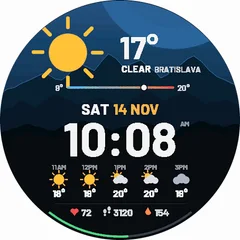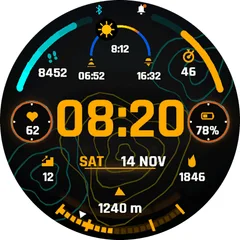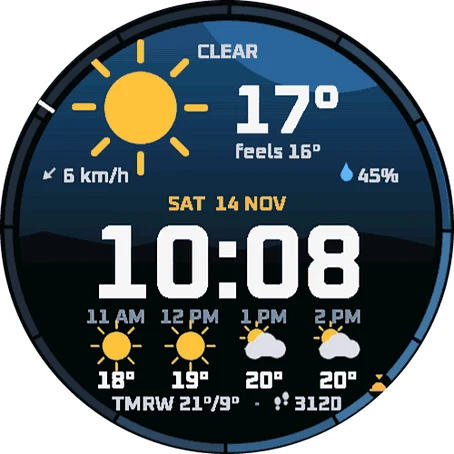
Weather Window
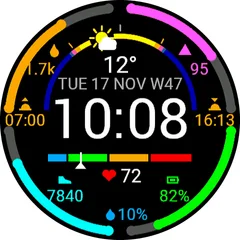
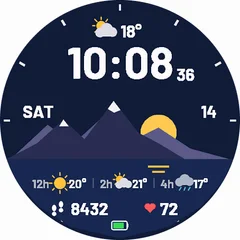
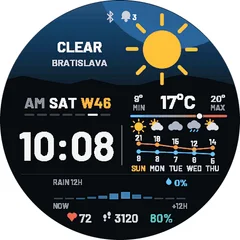
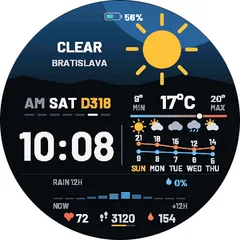
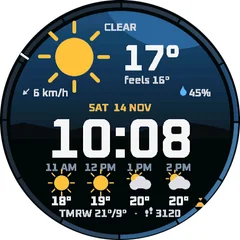
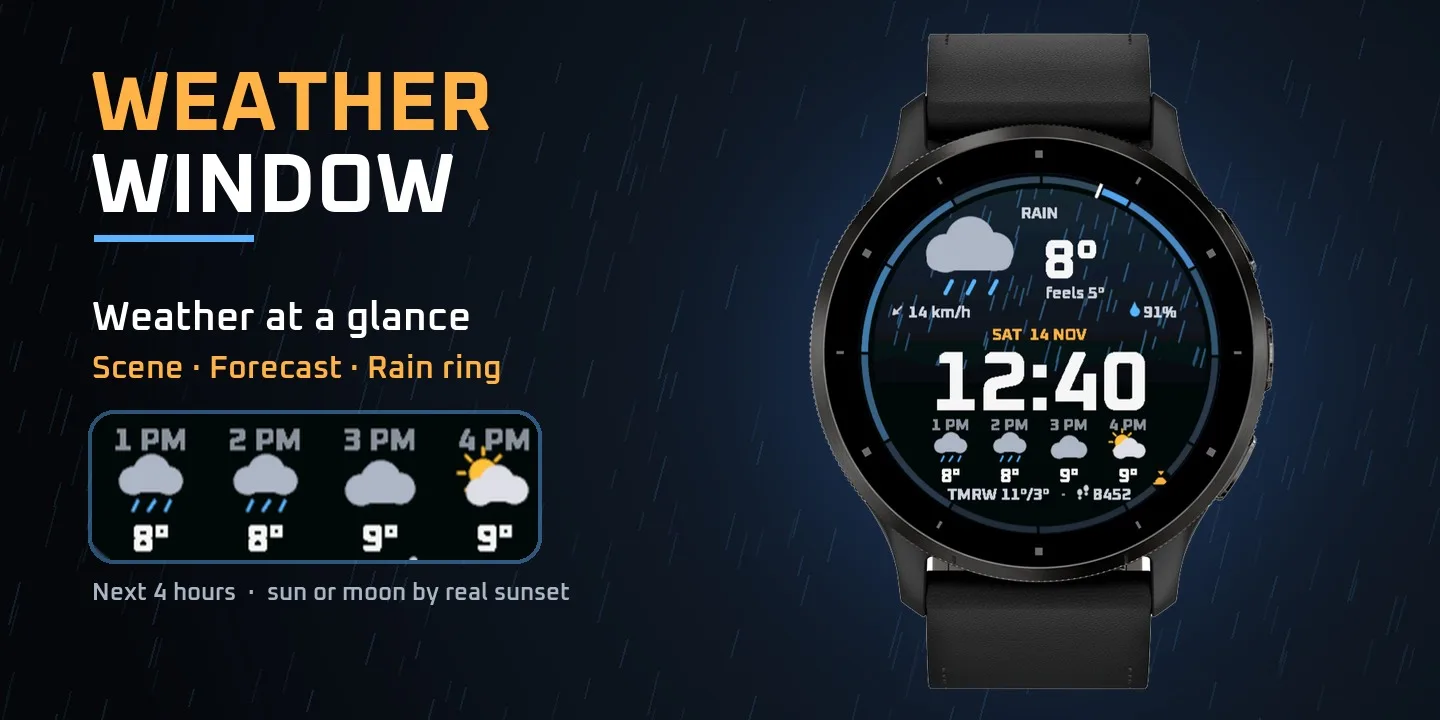
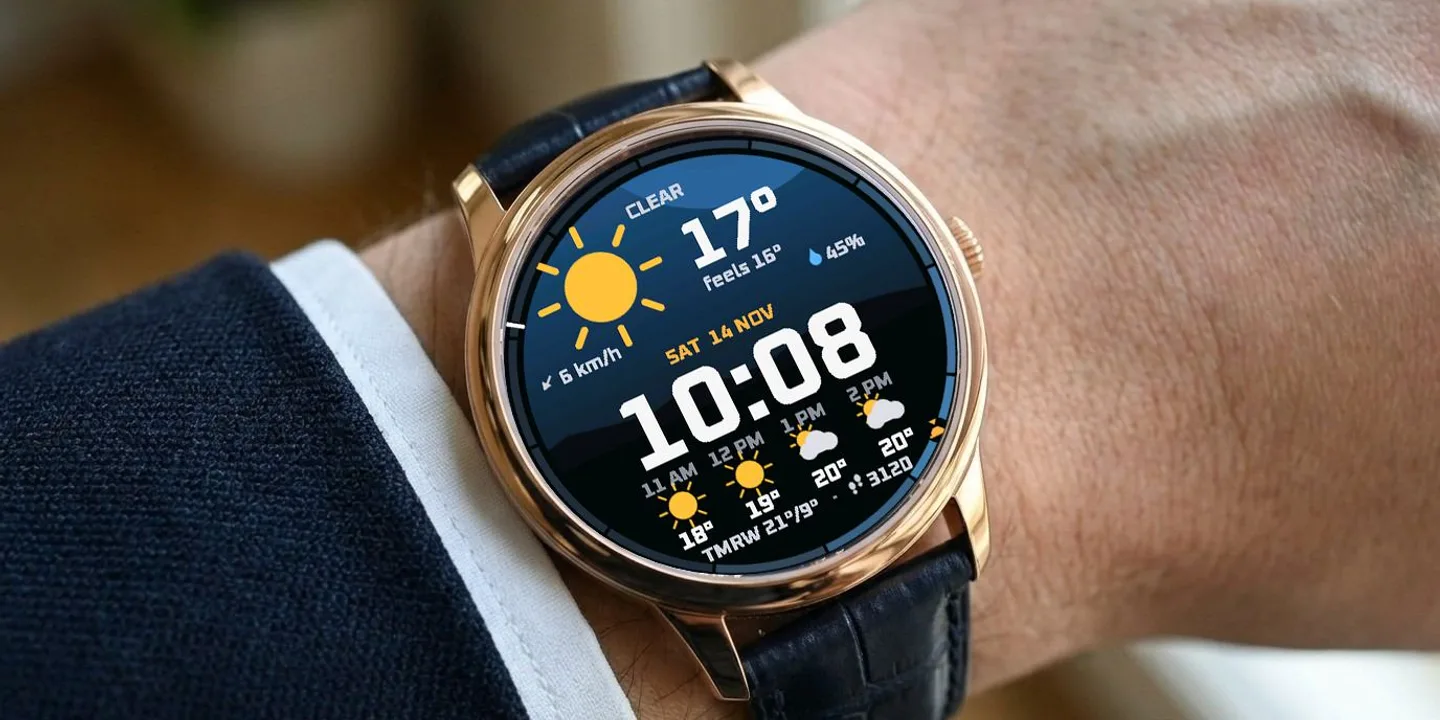
Weather Window is a digital watch face built around the sky above you. The top half is a live weather scene that changes with the real conditions: rain falls, snow drifts, fog lies in bands, storm clouds flash and on clear nights the stars come out. The scene follows the real sunrise and sunset for your location, and at night you see the moon in its real phase. Around the edge runs a 12-hour rain ring that reads like a classic watch dial: every hour sits at its own place, the brighter the blue, the higher the chance of rain. A white marker shows now, and small sun icons mark sunrise and sunset when they come within the next 12 hours. One look tells you when the rain starts and when it stops. ON THE FACE - Live weather scene: clear, partly cloudy, cloudy, rain, snow, sleet, storm, fog and wind, by day and by night - Weather icon, temperature and feels-like temperature - Moon in its real phase at night (mirrored on the southern hemisphere) - Wind speed with direction arrow, humidity - Big digital time, 12 or 24 h, with day and date - Forecast for the next 4 hours - sun or moon by the real sunset - Tomorrow high and low - Steps - 12-hour rain chance ring with now marker, sunrise and sunset TIME COLOR - By battery: white, orange below 30 %, red below 15 % - you see a low battery at a glance - Or a fixed color: white, orange, yellow, cyan or green (Garmin Connect app - watch face settings) DETAILS - Uses the built-in Garmin weather (from your phone) - no extra app, no account, no API key - Celsius / Fahrenheit, km/h / mph and 12 / 24 h follow your watch settings - Battery-friendly Always-On mode (dim moving clock against burn-in) - Free, works on 100+ Garmin watches with a round screen - AMOLED and MIP: Venu, vivoactive, Forerunner, fenix, epix, Enduro, MARQ, Instinct 3 AMOLED, Descent, Approach and D2
Buy one winter face, pick a second one free- Works on
- 69 watches
- In store since
- 13 November 2026
- Updates
- once a minute
Buy one winter face, pick a second one free
Get any winter or Christmas face and choose a second face from the winter collection at no cost.
Ends 6 January
2Pick one free
How do I get the free face?
- Buy the first face in the Connect IQ Store as usual.
- Pick the free face here and press the button. It opens an e-mail with everything filled in.
- Attach the store receipt (a screenshot is fine) and send. Within 24 hours you get an unlock code.
Works on 69 watches
33 with AMOLED displays and 36 with MIP displays. Pick yours and the site remembers it.
Forerunner
- Forerunner 965
- Forerunner 265
- Forerunner 570 47mm
- Forerunner 970
- Forerunner 165
- Forerunner 165 Music
- Forerunner 170
- Forerunner 170 Music
- Forerunner 570 42mm
- Forerunner 70
- Forerunner 265s
- Forerunner 255
- Forerunner 255 Music
- Forerunner 245
- Forerunner 245 Music
- Forerunner 745
- Forerunner 945
- Forerunner 945 LTE
- Forerunner 255s
- Forerunner 255s Music
- Forerunner 55
fēnix
Instinct
How to install
- Press “Get it in the Connect IQ Store”. On a phone it opens in the Connect IQ app.
- Press Install and pick your watch. The face arrives at the next sync.
- Hold the top-left button on the watch, choose Watch Face, select Weather Window.