Watches / D2
Watch faces for Garmin D2 Delta S
4 faces are built for the D2 Delta S: 240×240 pixels, MIP screen, Connect IQ 3.1.8.
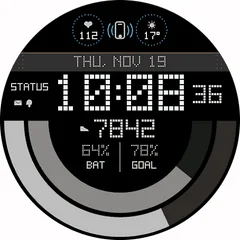
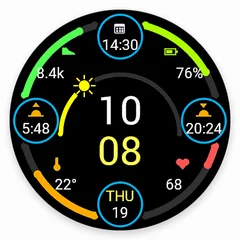
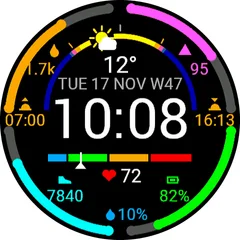
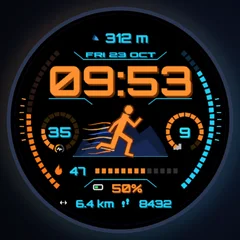
How to put a face on your D2 Delta S
- Open a face here and choose “Get it in the Connect IQ Store”.
- Install it with the Connect IQ app on your phone. It reaches the watch at the next sync.
- Change its colours and data fields in the face settings in Garmin Connect or Connect IQ.