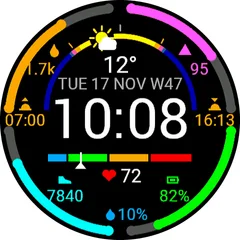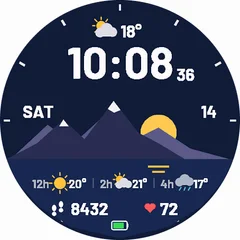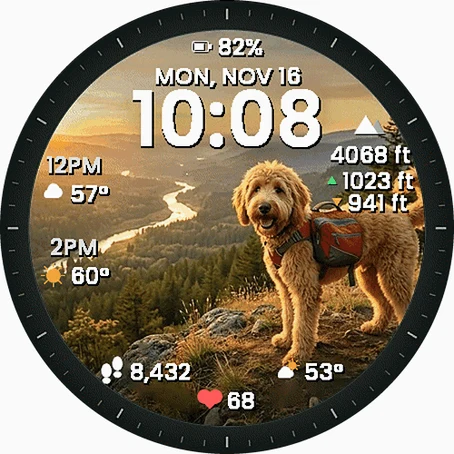
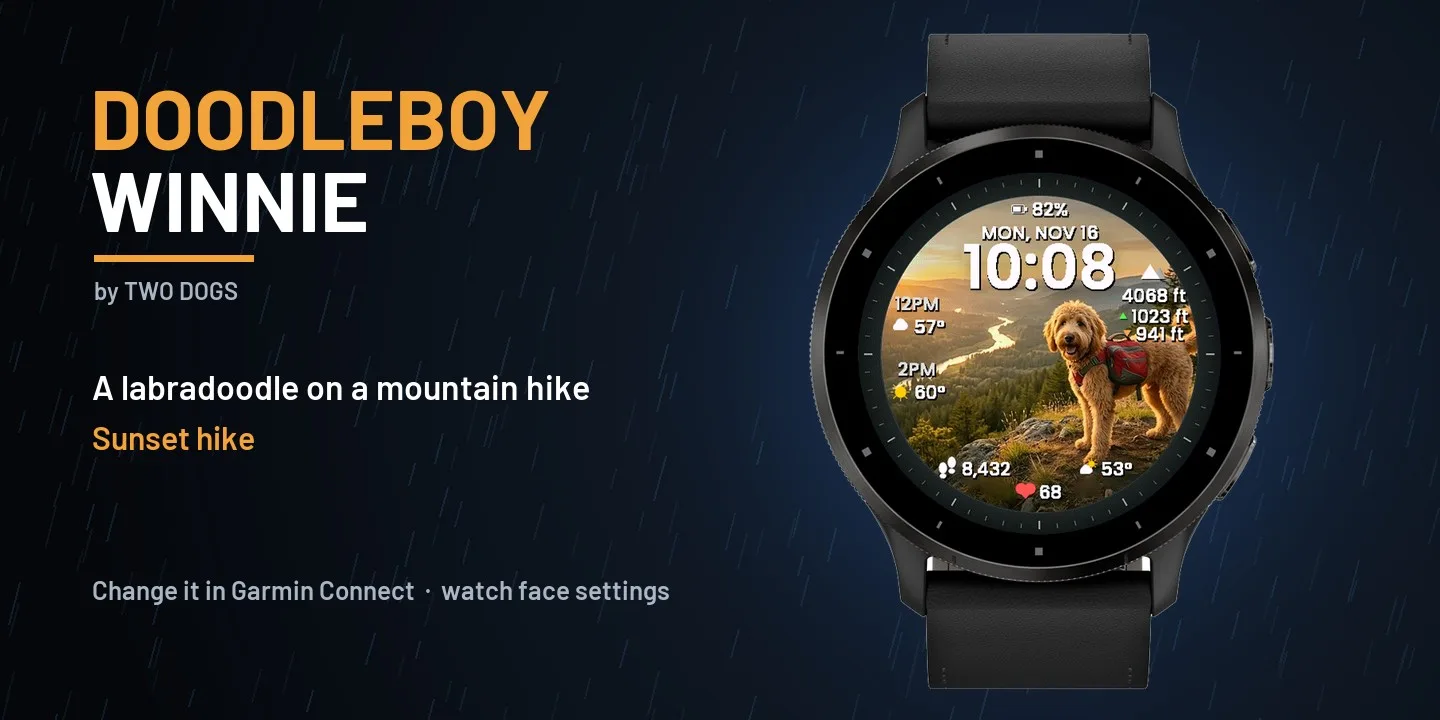
Doodleboy Winnie
Take Winnie on every hike: a warm sunset trail or a wide green valley, right on your wrist - with everything you need for the day around the photo. TWO STYLES (Garmin Connect app - watch face settings - Background) - Sunset hike: dark dial ring with minute markers, Winnie with a backpack at sunset - Valley view: full-screen photo, Winnie sitting above the valley, steps and weather curved along the bottom edge ON THE FACE - Big time (12 / 24 h) and date - Watch battery - Weather now: icon and temperature - Forecast for the next hours (+2 h and +4 h) - Altitude - Climbed and descended today (watches with a barometer) - Steps and heart rate - Rain, snow and storms gently animated around the edge (can be turned off) DETAILS - Uses the built-in Garmin weather (from your phone) - no extra app, no account - Temperature C or F and altitude m or ft follow your watch settings - Always-On mode on AMOLED: dimmed time and date, moved every minute against burn-in - Free 10-day trial, then a small one-time price PAID WATCH FACE - FREE TRIAL This is a paid watch face. Payment type: one-time purchase through the Garmin Connect IQ Store (no subscription, no in-app payments, no tips or donations). Try it free for 10 days first - when the trial ends, buy it in the Connect IQ Store to keep using it. Made by Two Dogs.
- Works on
- 45 watches
- In store since
- 16 November 2026
- Updates
- once a minute
Works on 45 watches
28 with AMOLED displays and 17 with MIP displays. Pick yours and the site remembers it.
Forerunner
fēnix
Descent
Instinct
Enduro
How to install
- Press “Get it in the Connect IQ Store”. On a phone it opens in the Connect IQ app.
- Press Install and pick your watch. The face arrives at the next sync.
- Hold the top-left button on the watch, choose Watch Face, select Doodleboy Winnie.