Twinkling Christmas Gnome
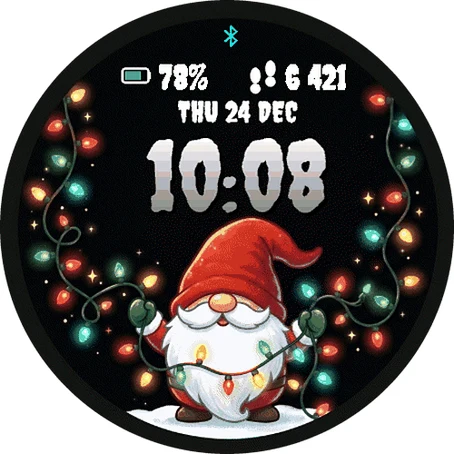
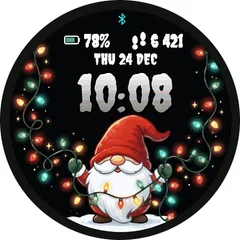
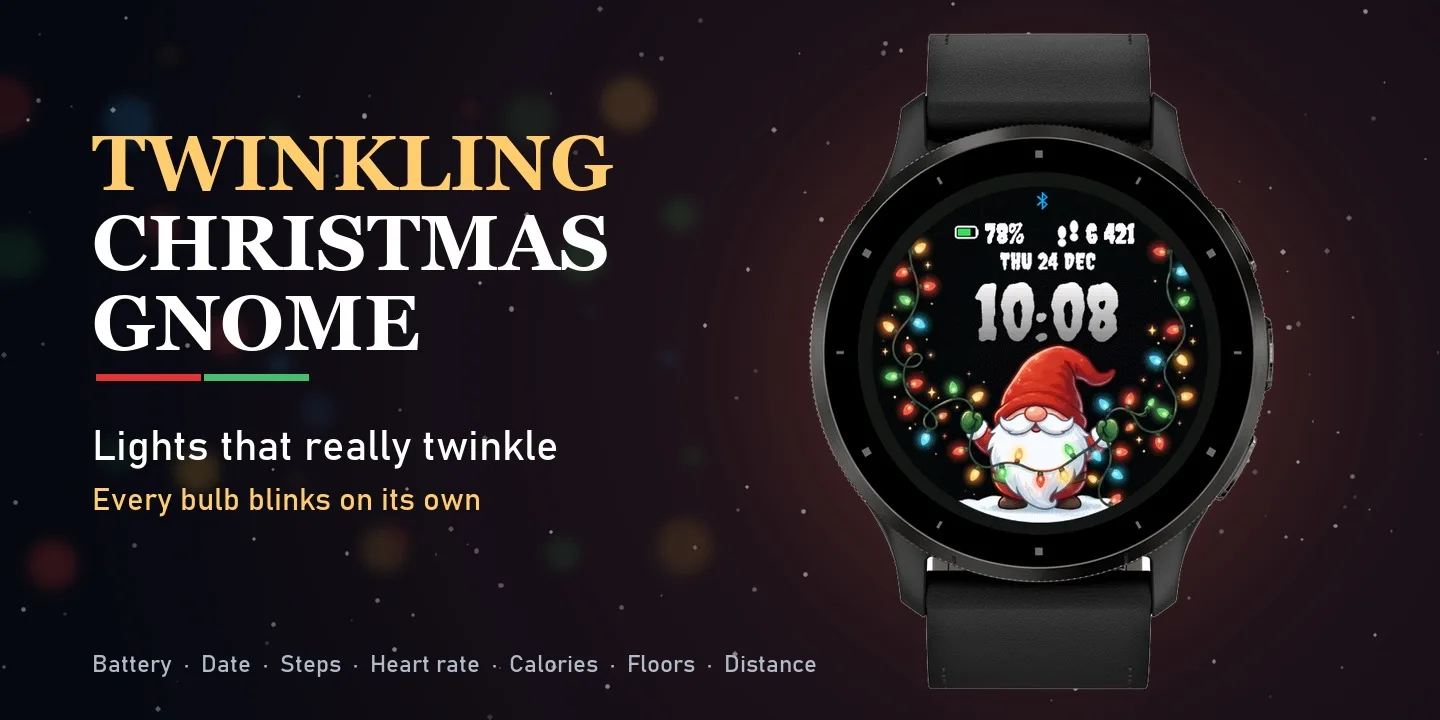
A cheerful Christmas gnome holds a long string of colorful lights - and the bulbs actually blink on your wrist. Every bulb has its own rhythm, so the lights sparkle all around the dial, even the ones wrapped around the gnome's beard. Big, playful time on top, everything you need at a glance. ON THE FACE - Twinkling Christmas lights (44 bulbs and sparkles, each blinks on its own) - Big time in a festive font, 12 h or 24 h - Date (weekday, day, month) - Battery percentage with a battery icon - One data field you can change: Steps, Heart rate, Calories, Floors or Distance - Phone connection indicator MAKE IT YOURS (Garmin Connect app - watch face settings) - Data in the top right field - Time format: automatic, 24 h or 12 h - Blinking lights on or off - Show or hide date, battery and data field - Color for time, date, battery and data (12 colors) DETAILS - Works on 60+ Garmin watches - AMOLED and color MIP displays - Lights blink fast when you raise your wrist, then change once a minute to save battery - Battery-friendly Always-On mode on AMOLED (moving clock against burn-in)
Buy one winter face, pick a second one free- Works on
- 47 watches
- In store since
- 15 November 2026
- Updates
- once a minute
Buy one winter face, pick a second one free
Get any winter or Christmas face and choose a second face from the winter collection at no cost.
Ends 6 January
 Twinkling Christmas GnomeYou buy
2Pick one free
How do I get the free face?
- Buy the first face in the Connect IQ Store as usual.
- Pick the free face here and press the button. It opens an e-mail with everything filled in.
- Attach the store receipt (a screenshot is fine) and send. Within 24 hours you get an unlock code.
Works on 47 watches
32 with AMOLED displays and 15 with MIP displays. Pick yours and the site remembers it.
Forerunner
Descent
How to install
- Press “Get it in the Connect IQ Store”. On a phone it opens in the Connect IQ app.
- Press Install and pick your watch. The face arrives at the next sync.
- Hold the top-left button on the watch, choose Watch Face, select Twinkling Christmas Gnome.