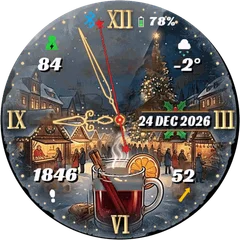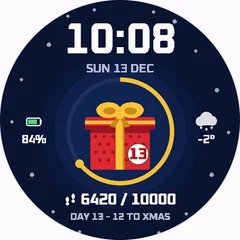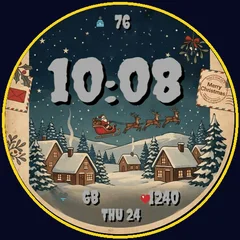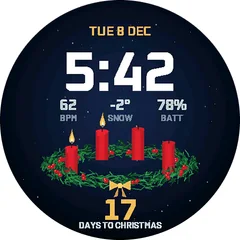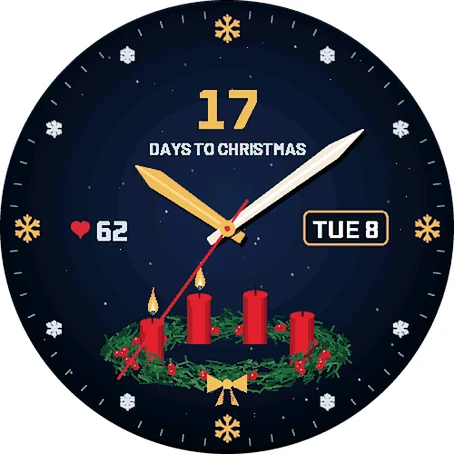
Advent Wreath Analog
The watch face is free until November 25, 2026. After that it will cost 1.99. Four candles light up as Christmas comes. A classic analog watch face with an advent wreath. Every Advent Sunday one more candle is lit automatically - and the candles slowly burn down day by day, just like real ones. Golden hands, snowflake hour markers and a countdown of the days left until Christmas. ON THE FACE - Advent wreath with 4 candles: a new candle is lit every Advent Sunday (dates are calculated for every year automatically) - Candles burn down a little every day - Days to Christmas countdown, Merry Christmas on Christmas Eve and Day - Golden hour hand, white minute hand, red second hand - Snowflake hour markers - Date window and one data field (default: heart rate) SETTINGS (Garmin Connect app - watch face settings) - Candle color: red, purple and pink (traditional), white or gold - Count down to: Christmas Day (Dec 25) or Christmas Eve (Dec 24) - Left field: heart rate, weather, battery, steps, calories, Body Battery or off - Show date: on / off - Second hand: on / off DETAILS - Uses the built-in Garmin weather (from your phone) - no extra app, no account - Always-On mode on AMOLED: dimmed hands and countdown - MIP watches get colors tuned for 64-color screens - Temperature unit follows your watch settings
Buy one winter face, pick a second one free- Works on
- 63 watches
- In store since
- 15 November 2026
- Updates
- once a minute
Buy one winter face, pick a second one free
Get any winter or Christmas face and choose a second face from the winter collection at no cost.
Ends 6 January
 Advent Wreath AnalogYou buy
2Pick one free
How do I get the free face?
- Buy the first face in the Connect IQ Store as usual.
- Pick the free face here and press the button. It opens an e-mail with everything filled in.
- Attach the store receipt (a screenshot is fine) and send. Within 24 hours you get an unlock code.
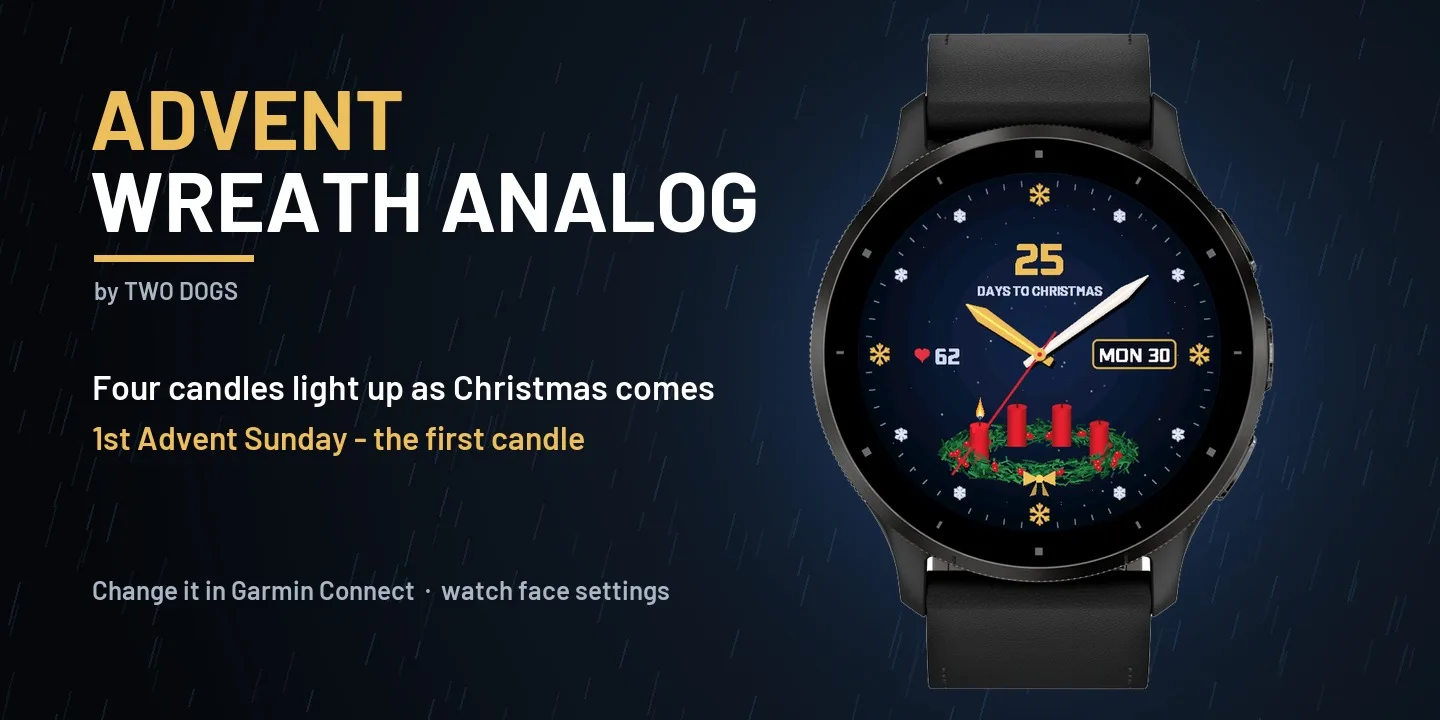
Works on 63 watches
33 with AMOLED displays and 30 with MIP displays. Pick yours and the site remembers it.
Forerunner
fēnix
vívoactive
Legacy
Instinct
How to install
- Press “Get it in the Connect IQ Store”. On a phone it opens in the Connect IQ app.
- Press Install and pick your watch. The face arrives at the next sync.
- Hold the top-left button on the watch, choose Watch Face, select Advent Wreath Analog.