Christmas Postcard
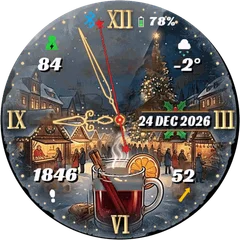
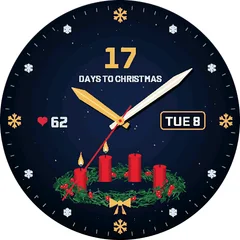
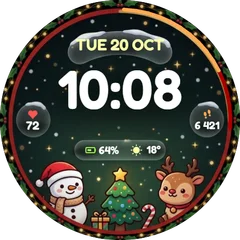
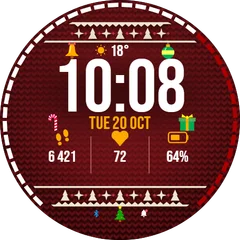
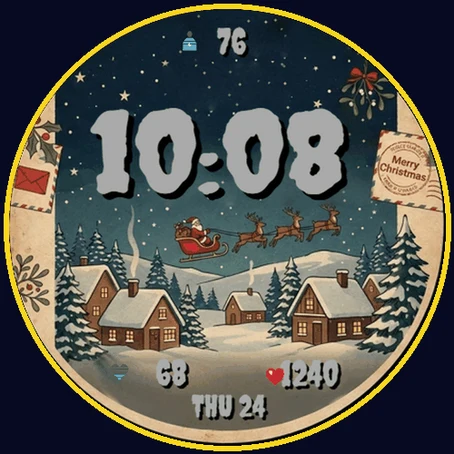
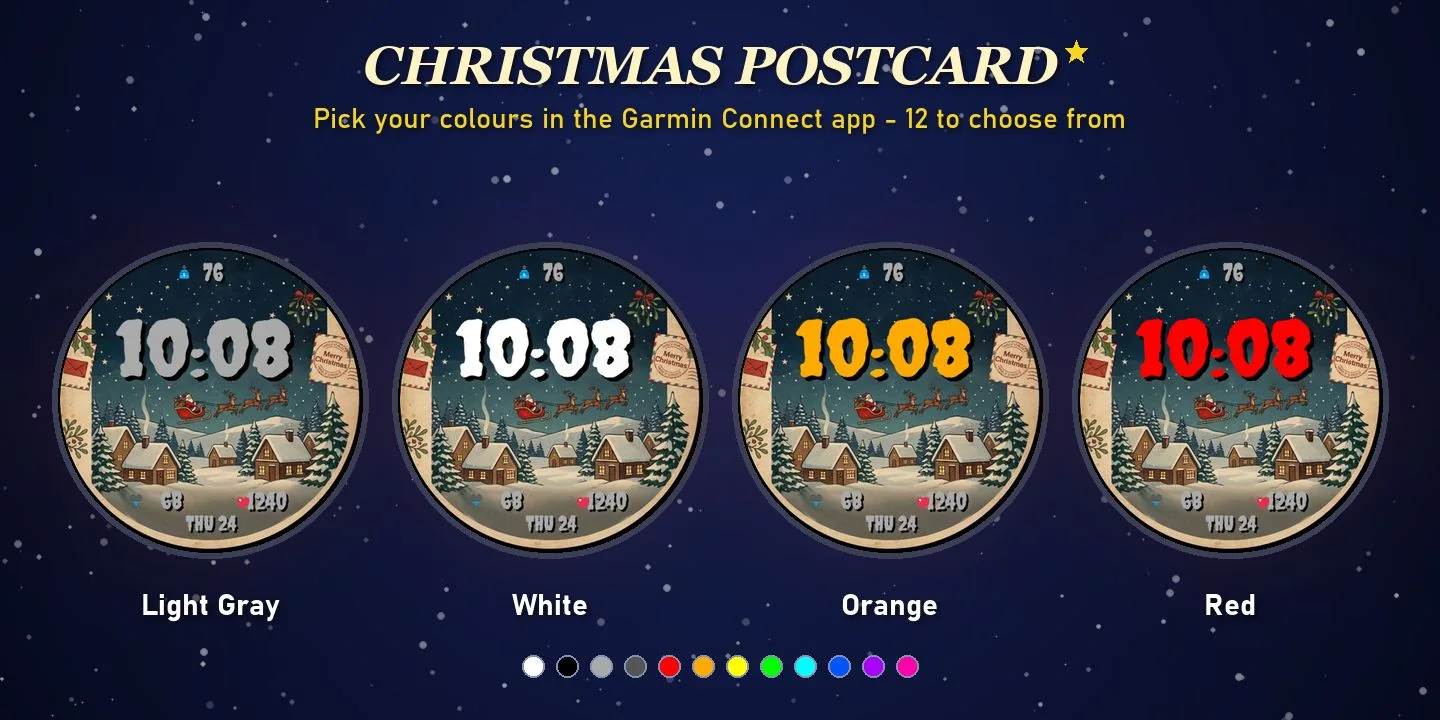
. Christmas Postcard turns your watch into an old-fashioned holiday card: Santa's sleigh flies over a snowy village under a starry night sky, framed by mistletoe, holly, an airmail envelope and a Merry Christmas postmark - and it still shows the data you check every day. ON THE FACE - Big digital time (12/24 h) - Date - Body Battery value with a colour-coded battery icon - Heart rate with a heart rate zone icon (colour by zone) - Calories burned today MAKE IT YOURS (Garmin Connect app - watch face settings) - 12 colours for the time, the date and each data field - Show or hide every element - 6 date formats, 12/24 h or automatic DETAILS - Works on 70+ Garmin watches - AMOLED and MIP displays - Always-On mode on AMOLED watches: a minimal, burn-in-safe clock - No phone connection needed, no data leaves your watch Merry Christmas and happy holidays!
Buy one winter face, pick a second one free- Works on
- 47 watches
- In store since
- 28 October 2026
- Updates
- once a minute
Buy one winter face, pick a second one free
Get any winter or Christmas face and choose a second face from the winter collection at no cost.
Ends 6 January
2Pick one free
How do I get the free face?
- Buy the first face in the Connect IQ Store as usual.
- Pick the free face here and press the button. It opens an e-mail with everything filled in.
- Attach the store receipt (a screenshot is fine) and send. Within 24 hours you get an unlock code.
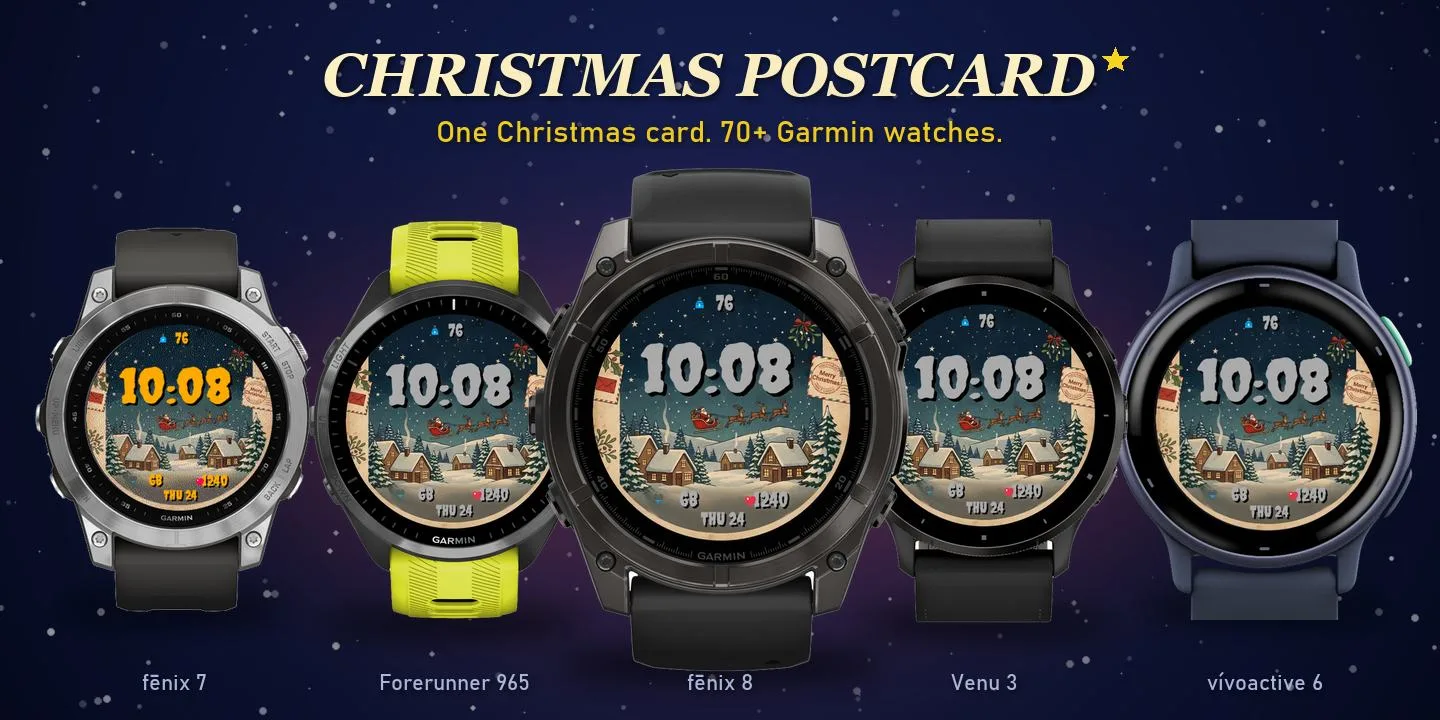
Works on 47 watches
32 with AMOLED displays and 15 with MIP displays. Pick yours and the site remembers it.
Forerunner
Descent
How to install
- Press “Get it in the Connect IQ Store”. On a phone it opens in the Connect IQ app.
- Press Install and pick your watch. The face arrives at the next sync.
- Hold the top-left button on the watch, choose Watch Face, select Christmas Postcard.