Christmas Punch
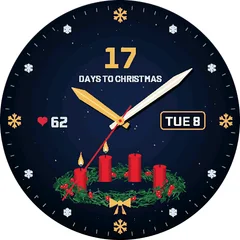
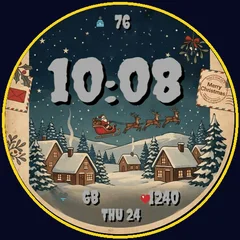
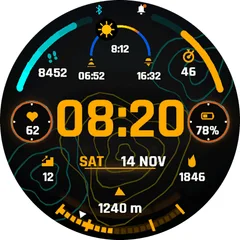
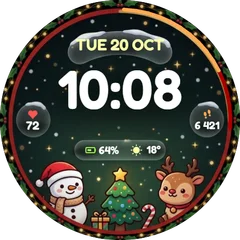
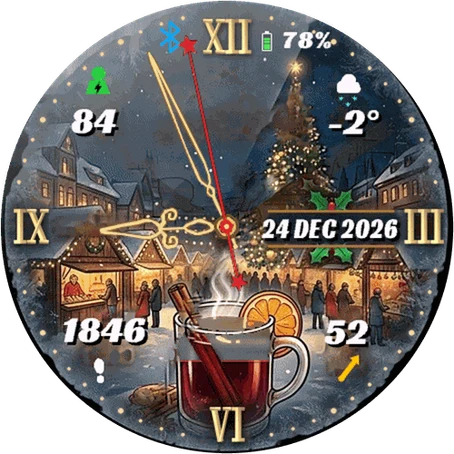
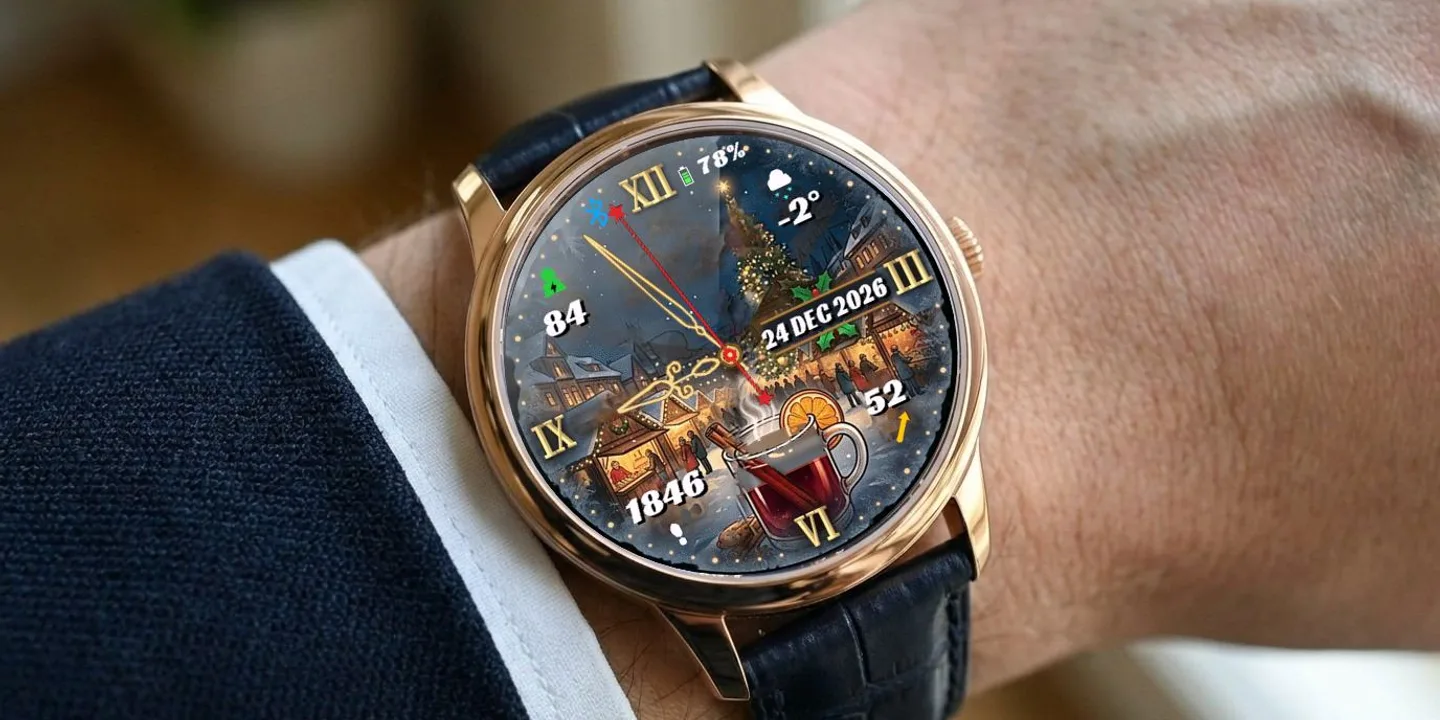
Christmas Punch is an analog watch face set in a snowy Christmas market at night. A glass of hot mulled wine sits at the bottom of the dial - and it fills up as you walk. At the start of the day the glass is empty; every 10 % of your daily step goal pours in a little more punch, until it is full to the brim when you reach your goal. Cheers! ON THE FACE - Glass of punch that fills up with your steps (10 levels, empty to full) - Gold analog hands with Roman numerals, second hand can be switched off - Date in a gold plaque - 11 formats (day month year, weekday, week number, ...) - Weather icon and temperature - Battery percentage with a battery icon - Three data fields you can change: top left: Body Battery, Stress, Pulse Ox or Altitude bottom left: Calories, Floors, Distance or Active minutes bottom right: VO2 Max, Sleep Score or Recovery time - Step goal icon and phone connection indicator MAKE IT YOURS (Garmin Connect app - watch face settings) - Data for each of the three fields - Date format - Temperature in Celsius or Fahrenheit - Show or hide battery, each data field and the second hand - Text color for every value (12 colors) DETAILS - Works on 90+ Garmin watches - AMOLED and color MIP displays - Battery-friendly Always-On mode on AMOLED (moving clock against burn-in) - Uses the built-in Garmin weather - no extra app or account needed
Buy one winter face, pick a second one free- Works on
- 47 watches
- In store since
- 5 November 2026
- Updates
- once a minute
Buy one winter face, pick a second one free
Get any winter or Christmas face and choose a second face from the winter collection at no cost.
Ends 6 January
2Pick one free
How do I get the free face?
- Buy the first face in the Connect IQ Store as usual.
- Pick the free face here and press the button. It opens an e-mail with everything filled in.
- Attach the store receipt (a screenshot is fine) and send. Within 24 hours you get an unlock code.
Works on 47 watches
32 with AMOLED displays and 15 with MIP displays. Pick yours and the site remembers it.
Forerunner
Descent
How to install
- Press “Get it in the Connect IQ Store”. On a phone it opens in the Connect IQ app.
- Press Install and pick your watch. The face arrives at the next sync.
- Hold the top-left button on the watch, choose Watch Face, select Christmas Punch.