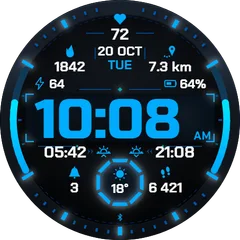
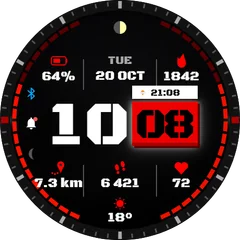
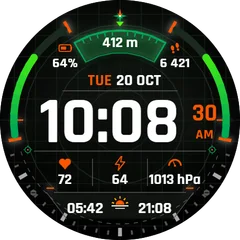
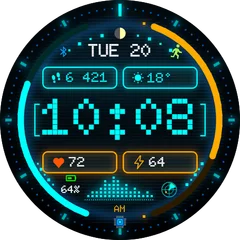
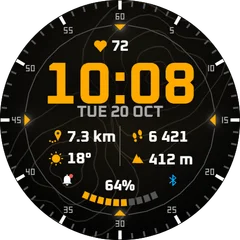
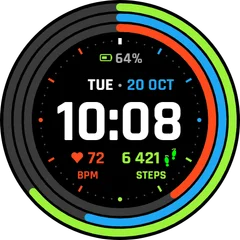
Always-on display on Garmin AMOLED watches: what your face looks like when you lower the wrist
With always-on turned on, the face switches to a dim, simplified layout. Here is how to turn it on and what it costs.
3 min read · updated 21 November 2026
AMOLED watches (Venu, Forerunner 265 and 965, epix, fēnix 8 AMOLED) normally switch the screen off when you lower the wrist. With always-on (AOD) turned on, they keep a dim version of the face visible instead.
Turn it on
- On the watch open Settings, then Display (on some models System, Display).
- Choose the watch mode for normal use and, separately, for activities.
- Set it to Always On. Garmin may warn you about battery life.
What the face shows in always-on
- A reduced layout: time and a few data fields, thin lines, little colour. Garmin limits how many pixels may stay lit to protect the screen.
- Seconds usually disappear.
- Each face designs its own always-on view. Ours keep the time large and readable.
Battery cost
Expect roughly half the battery life of gesture mode, depending on the model. If you want a few more days, use gesture mode and pick a mostly black face.
Questions
Do MIP watches have always-on?
MIP screens are always on by design and show the full face all the time at almost no cost.