Free or paid Garmin watch faces: how buying in the Connect IQ Store works
Paid faces are bought once in the Connect IQ Store and stay on your Garmin account. What you get for the money.
3 min read · updated 21 November 2026
The Connect IQ Store has free and paid faces side by side. Paid faces are a one-off purchase in the store, in your local currency; there is no subscription.
How paying works
- Open the face in the Connect IQ app or on the store website and press the price.
- Pay with the card or method Garmin offers in your country.
- The face installs like a free one. The purchase stays on your Garmin account, so a new watch can install it again.
What paid usually means
- More settings: colours, data slots, always-on layouts.
- Support for more watch models and quicker fixes when a new watch comes out.
- Someone who keeps working on it. Paid faces fund the free ones.
Questions
Can I try a paid face before buying?
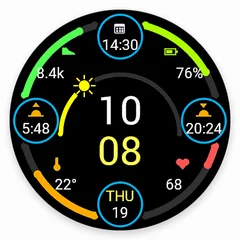
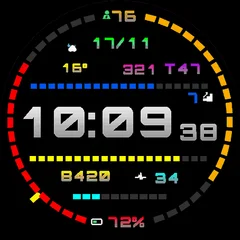
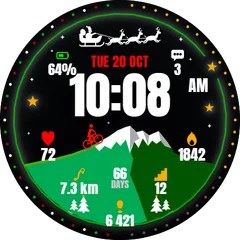
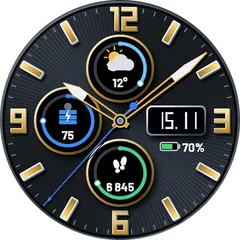
Some faces have a trial mode in the store. Otherwise the screenshots and the list of shown data on the face page are the best preview.
Do I pay again for a new watch?
No. The purchase belongs to your Garmin account, not to the watch.