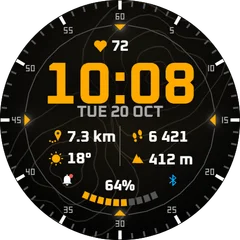
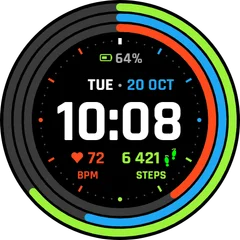
How to change the watch face on a Garmin watch
Switch between installed faces in a few presses, on button watches and on touchscreen models.
2 min read · updated 21 November 2026
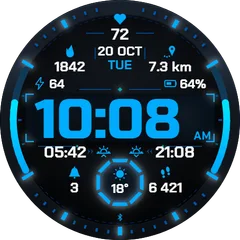
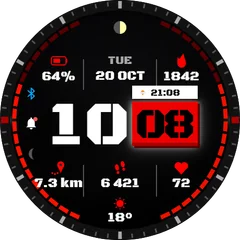
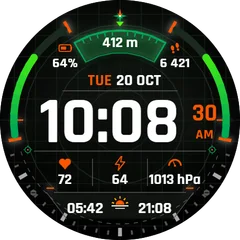
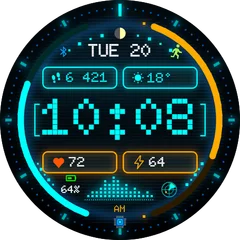
Installing a face puts it on the watch, but the watch keeps showing the old one until you switch. You can switch on the watch itself or from the phone.
On the watch
- Go to the time screen.
- Button watches (Forerunner, fēnix, Instinct, epix): hold the top-left button (Menu) and choose Watch Face. Touch models (Venu, vívoactive): long-press the screen.
- Scroll to the face you want and press Apply (or tap it).
From the phone
- Open Garmin Connect and select the watch.
- Go to Watch Faces.
- Choose the face and press Apply. The watch switches at the next sync.
Too many faces in the list?
The watch shows every installed face. Remove the ones you do not use and switching gets quicker.
Questions
Can I switch faces automatically, for example at night?
Not with Garmin's own settings. Some faces have a night mode or dim colours after sunset built in; check the face settings.