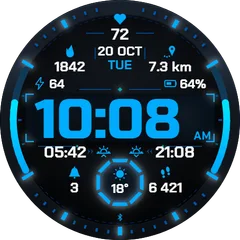
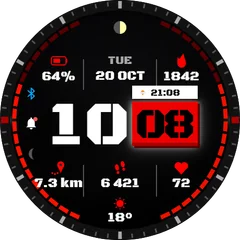
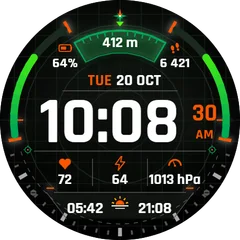
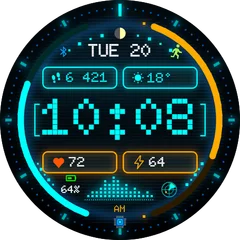
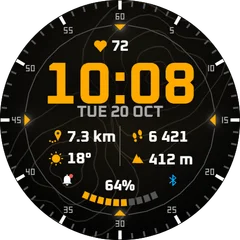
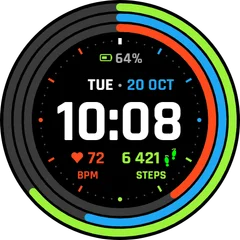
How to remove a watch face from a Garmin watch
Delete faces you no longer use, from the phone or from the watch, and free up space for new ones.
2 min read · updated 21 November 2026
Garmin watches have limited room for Connect IQ apps. If a new face will not install, deleting old ones is the first thing to try.
From the phone
- Open the Connect IQ Store app and go to My device.
- Choose Watch faces.
- Tap the face and choose Delete (or the bin icon). It disappears at the next sync.
On the watch
- Hold Menu on the time screen (or long-press the screen) and open Watch Face.
- Scroll to the face, open its options and choose Delete or Remove, where the watch offers it.
A paid face stays tied to your Garmin account after you remove it. You can install it again later without paying twice.
Questions
If I delete a paid face, do I have to buy it again?
No. Purchases belong to your Garmin account, so you can reinstall the face from the store at any time.