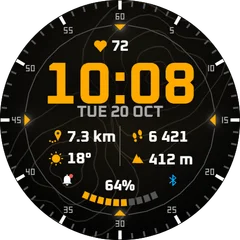
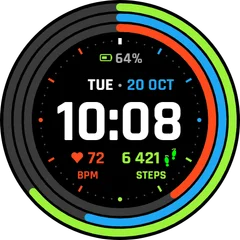
Garmin shows an IQ icon or the face crashes: what to do
An IQ symbol in place of the face means the face stopped with an error. Usually an update or a reinstall fixes it.
2 min read · updated 21 November 2026
When a Connect IQ face hits an error, the watch shows an IQ symbol instead and falls back to a default face. Nothing is broken on the watch; the face just stopped.
What to try
- Update the watch software and sync.
- Check for a face update in the Connect IQ app (My device, Updates).
- Delete the face, sync, and install it again.
- Change one setting in the face (for example the colour) and save. A bad saved setting can stop a face.
Tell the author
Crashes usually happen on one model or one setting the author could not test. Write to us with your watch model and what the face was showing, and we will fix it in the next update.