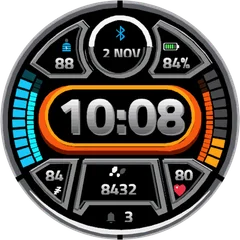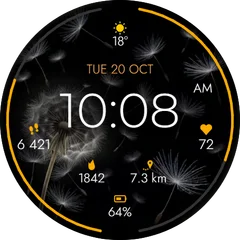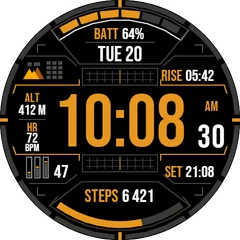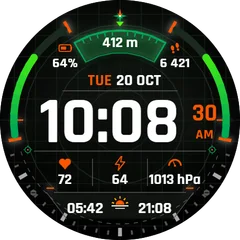
Platform Clock
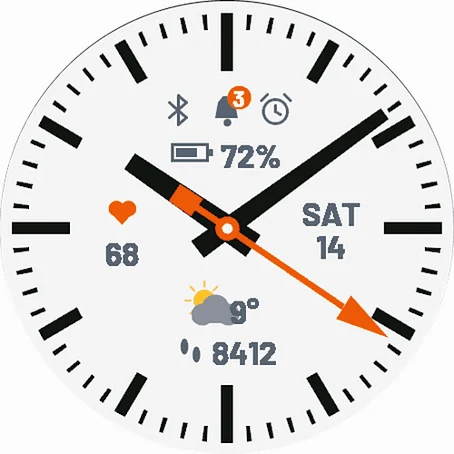
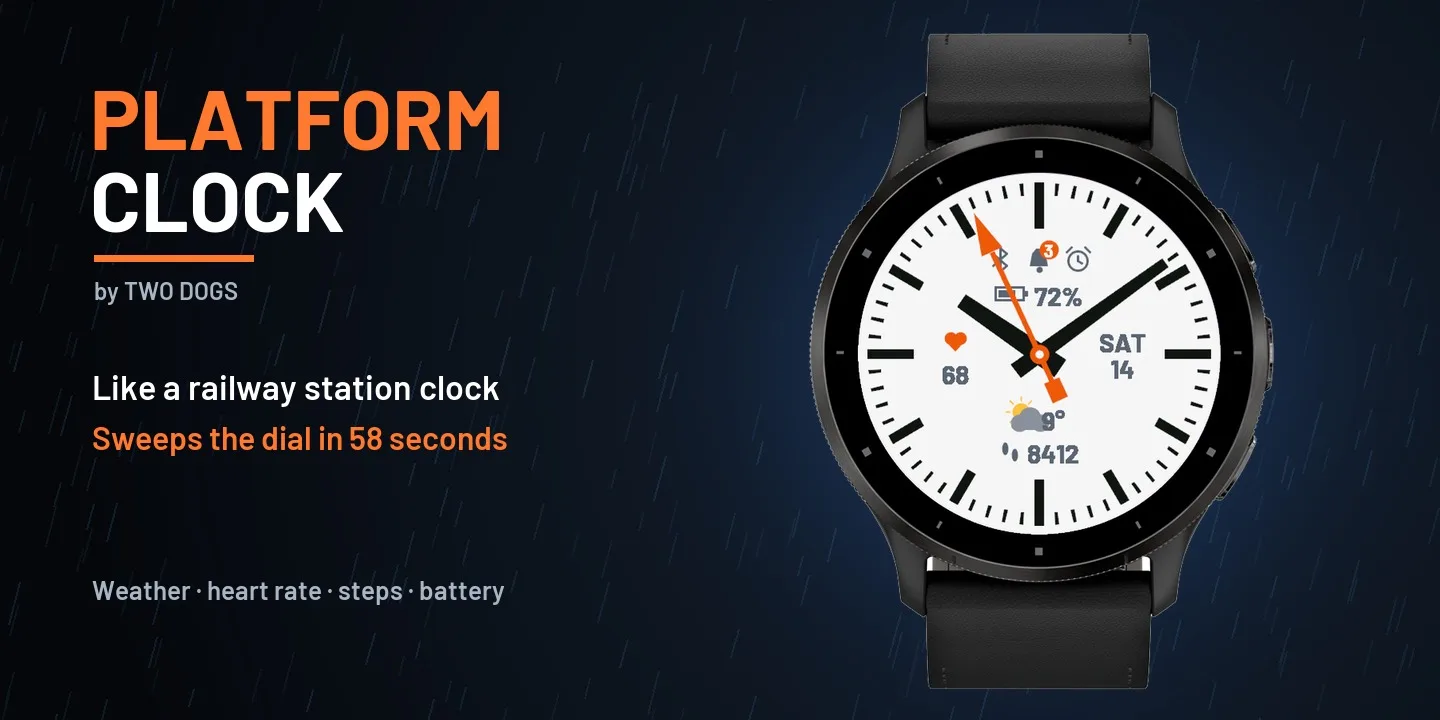
Just like the big clocks on train platforms, the second hand sweeps the dial in 58 seconds, stops at 12 and waits - and then the minute hand jumps to the next minute. Clean bold markers, a signal colored second hand with an arrow tip, and the data you need around it. ON THE FACE - Station style motion: 58 second sweep, stop at 12, jumping minute hand - Bold black and white markers, light or dark dial - 5 data fields (defaults: battery, heart rate, date, weather, steps) - Weather now with icon and temperature - Bluetooth, notifications and alarm icons - shown only when active SETTINGS (Garmin Connect app - watch face settings) - Second hand color: signal orange, red, yellow, green, blue - Dial: light or dark - Second hand motion: station (58 s + stop at 12), classic (60 s) or off - Every field (top, left, right, bottom, bottom 2): battery, heart rate, steps, weather, date, calories, floors or none DETAILS - Uses the built-in Garmin weather (from your phone) - no extra app, no account - The second hand keeps running in low power mode on MIP watches - Always-On mode on AMOLED: dimmed markers and hands, moved every minute against burn-in - Temperature in C or F follows your watch settings - An original design inspired by station clocks Made by Two Dogs.
Tactical 1 + 1- Works on
- 63 watches
- In store since
- 15 November 2026
- Updates
- once a minute
Tactical 1 + 1
Buy any tactical face and take a second tactical face free.
2Pick one free
How do I get the free face?
- Buy the first face in the Connect IQ Store as usual.
- Pick the free face here and press the button. It opens an e-mail with everything filled in.
- Attach the store receipt (a screenshot is fine) and send. Within 24 hours you get an unlock code.
Works on 63 watches
33 with AMOLED displays and 30 with MIP displays. Pick yours and the site remembers it.
Forerunner
fēnix
vívoactive
Legacy
Instinct
How to install
- Press “Get it in the Connect IQ Store”. On a phone it opens in the Connect IQ app.
- Press Install and pick your watch. The face arrives at the next sync.
- Hold the top-left button on the watch, choose Watch Face, select Platform Clock.