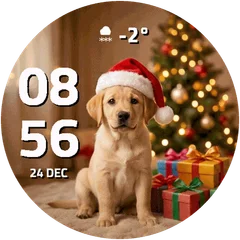
Christmas watch faces for Garmin
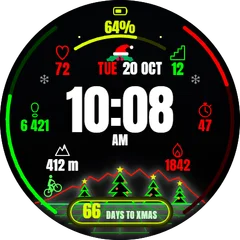
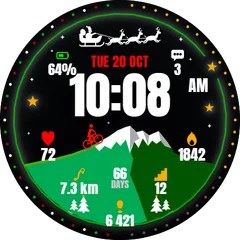
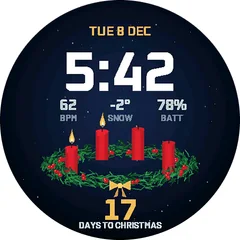
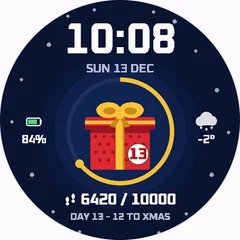
Trees, sweaters, snow and countdowns to the 24th. Festive faces for December, and how to switch back in January.
2 min read · updated 21 November 2026
A seasonal face is the quickest way to make the watch feel new for a month. Install one in late November, switch back after the holidays; your old face stays installed.
Good to know
- Countdown faces count the days to a date. Check the settings if you want a different date than the 24th or 25th.
- Snowy and photo-style faces look best on AMOLED. On MIP pick the simpler designs.
- Switching back takes a few seconds.